


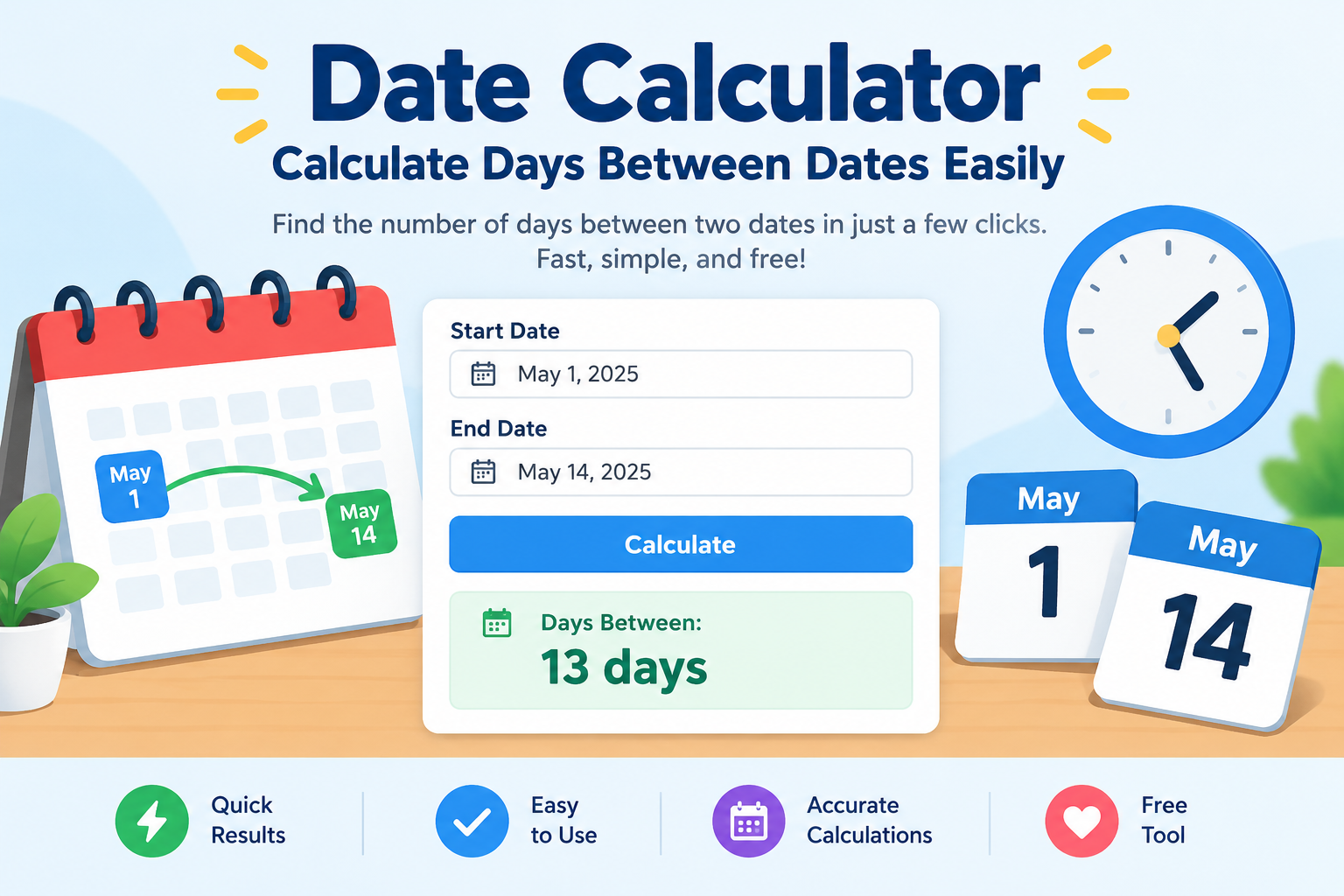
Have you ever wondered how many days remain until your birthday? Do you need to calculate the time between two important dates? A date calculator makes these tasks quick and easy. You do not need a calendar or complicated math to get started.
A date calculator helps you find the number of days between two dates. It can also help you add days to a date or move backward to an earlier day. Students, workers, travelers, and families can all use this helpful tool. It makes planning easier and reduces counting mistakes.
For example, imagine your school holidays begin on December 20. You can calculate how many days remain before your break. You can also find a future date by adding a specific number of days. In this guide, you will learn how date calculations work, how to use them, and how to solve common date problems.
What Is a Date Calculator?
A date calculator is an online tool that performs calculations using calendar dates. It helps you find the time between two dates or discover a date in the future. Some tools also calculate past dates, weekdays, and the number of working days.
You only need to enter the required information. The calculator processes your dates and displays the result. This saves time and reduces the risk of manual errors.
For example, you might want to know how many days separate March 1 and March 15. The calculator can give you the answer within seconds. You can also use it to find a date 30 days after a meeting.
Many calculators offer different settings. Some include the starting date in their totals, while others exclude it. Understanding these settings helps you choose the correct result for your needs.
How Does a Date Calculator Work?
A date calculator uses calendar rules to measure the time between dates. It checks the year, month, and day before calculating the result. It also accounts for months with different lengths and leap years.
First, you enter a starting date and an ending date. The tool then calculates the difference between them. Depending on its features, it may show the answer in days, weeks, months, or years.
For example, suppose you want to calculate the days between April 1 and April 11. The difference is 10 days when the starting date is excluded. If you count both dates, the total becomes 11 calendar days.
A date calculator can also work in reverse. You can enter a starting date and add 45 days. The tool then identifies the resulting calendar date. This feature is helpful when planning appointments, trips, projects, and personal events.
How to Calculate Days Between Two Dates
Calculating the number of days between dates is one of the most common uses of this tool. You can use it to measure waiting periods, project lengths, or time until an event.
Follow these simple steps:
- Open an online date calculator.
- Enter your starting date.
- Enter your ending date.
- Choose whether to include the starting day, if available.
- Click the calculate button.
- Review the number of days shown.
For example, imagine a course starts on June 5 and ends on June 25. The difference between these dates is 20 days. Counting both June 5 and June 25 gives 21 calendar dates.
Always check how the calculator counts the first and last dates. This matters when calculating rental periods, school attendance, or event schedules. Different tasks may use different counting rules.
How to Add Days to a Date
Sometimes, you need to find a future date rather than count the days between two dates. Adding days manually can become confusing, especially when several months are involved.
A date calculator makes this process easier. Enter your starting date and the number of days you want to add. The tool will show the resulting date.
For example, suppose you start a 30-day personal challenge on January 10. Adding 30 days gives you February 9 in a non-leap year. This calculation excludes the starting date from the added days.
You can use this feature for study plans, personal goals, project schedules, and reminders. It is also useful when you need to estimate a delivery date.
Remember that adding calendar days is different from adding business days. Calendar days include weekends and holidays. Business-day calculations usually exclude weekends and may exclude selected holidays.
How to Subtract Days From a Date
Subtracting days helps you find a date in the past. This is useful when checking previous appointments, reviewing schedules, or planning tasks that require preparation.
Enter the date you want to start with. Then choose the number of days to subtract. The calculator will move backward through the calendar and display the earlier date.
For example, suppose an event takes place on August 20. You want to begin preparing 14 days earlier. Subtracting 14 days gives you August 6.
This method works across month and year boundaries. If you subtract enough days from January, the result may fall in December of the previous year.
A date calculator is especially helpful for longer periods. It prevents mistakes when months have different numbers of days. However, check the counting method before using the result for important deadlines or official paperwork.
Calendar Days vs. Business Days
Calendar days and business days are not the same. Understanding the difference can help you avoid missed deadlines and scheduling problems.
Calendar days include every day of the week. That means Monday, Saturday, Sunday, and public holidays all count. Business days usually include weekdays, excluding weekends and sometimes public holidays.
For example, suppose you receive a task with a deadline five calendar days later. The deadline may fall on a weekend. If the instructions specify five business days, the result could be different.
A date calculator with a business-day feature can help you find the correct date. Some tools also let you select holidays for a particular country or region.
Always read the rules that apply to your situation. Workplaces, schools, delivery companies, and legal agreements may use different deadline rules. A general calculator cannot determine which rules apply to every situation.
How Leap Years Affect Date Calculations
A leap year contains 366 days instead of the usual 365. February has 29 days during a leap year rather than 28.
Leap years help keep the calendar aligned with Earth’s journey around the Sun. Most years divisible by four are leap years. However, century years follow an additional rule. They must be divisible by 400 to qualify.
For example, 2024 was a leap year. February included an extra day, which can affect calculations that cross that month.
A reliable date calculator accounts for leap years automatically. You usually do not need to make special adjustments yourself.
This feature is important when calculating long periods, checking anniversaries, or planning future events. Still, dates such as February 29 may need special handling in some anniversary systems. The correct result depends on the rules used by the calculator or organization.
How to Calculate Age Using Dates
You can use a date calculator to estimate someone’s age from their birth date. Enter the birth date and the date on which you want to measure their age.
Some calculators display the difference in years, months, and days. Others show the total number of days lived between the two dates.
For example, suppose a person was born on May 10, 2010. On May 10, 2026, that person turns 16 years old.
Age calculations can be helpful for birthday planning, school records, and personal milestones. However, official age requirements may depend on local rules and exact dates.
If you need an accurate age for an application, double-check the required format. Some forms ask for completed years, while others require a full birth date. A calculator provides the date difference, but the relevant organization determines how it should be interpreted.
Common Uses of a Date Calculator
A date calculator can help with many everyday activities. You do not need advanced math skills to use it. You only need the correct dates and a clear goal.
Here are some common uses:
- Education: Calculate study periods, exam dates, and school breaks.
- Work: Plan project timelines and meeting schedules.
- Travel: Count the days until a trip or holiday.
- Personal events: Find the time remaining before birthdays and anniversaries.
- Fitness: Track workout challenges and personal goals.
- Shopping: Estimate dates for delivery or return windows.
- Home planning: Calculate periods between maintenance tasks.
- Event planning: Organize preparation schedules and countdowns.
For example, you may want to prepare for an examination in 60 days. A calculator helps you find the target date. You can then divide your study plan into smaller weekly goals.
Remember that a calculated date is only as reliable as the information you enter. Always check important dates against the original schedule or instructions.
Date Calculator for Students
Students often need to manage exams, assignments, projects, and holidays. A date calculator can make these tasks easier to organize.
For example, imagine your assignment is due on November 30. You want to start working on it 21 days earlier. Subtracting 21 days gives you November 9.
You can use this date to create a study schedule. Set smaller goals for research, writing, revision, and final checks. This approach makes large assignments feel more manageable.
Students can also calculate the length of a school term. They can count days between the first and last classes. If needed, they can separately account for weekends, holidays, and school closures.
However, remember that school schedules may change. Always check your teacher’s instructions or official timetable before relying on a calculated deadline. The calculator supports your planning, but it does not replace updated school information.
Date Calculator for Work and Business
Businesses often work with deadlines, delivery schedules, contracts, and project timelines. Accurate date calculations can help teams stay organized and reduce confusion.
For example, a project may begin on September 1 and require 45 calendar days. Adding 45 days gives October 16. This result assumes the starting date is not counted as day one.
A date calculator can also help teams plan meetings and review periods. Some tools calculate working days, which can be useful when weekends should not count.
Before using a result in a business agreement, confirm the deadline rules. Contracts may define how the first day, final day, weekends, and holidays should be treated.
For important projects, record both the calculated date and the method used. This helps everyone understand the schedule. It also makes it easier to explain why a particular deadline was selected.
Tips for Getting Accurate Results
Getting a correct result starts with entering the correct information. Even a reliable calculator can produce an unsuitable answer when the dates or settings are wrong.
Use these simple tips:
- Check the date format: Confirm whether the tool uses month/day/year or day/month/year.
- Review both dates: Make sure the start and end dates are correct.
- Check inclusive counting: Decide whether the first day should count.
- Choose the right method: Use business days when weekends should be excluded.
- Consider leap years: Let the tool handle February 29 when possible.
- Verify important deadlines: Compare the result with the original instructions.
For example, 04/05/2026 may mean April 5 or May 4. The meaning depends on the date format. Entering the date incorrectly can change the final result.
For legal, financial, or contractual deadlines, seek confirmation from the responsible organization. A calculator can perform date arithmetic, but it cannot interpret every rule or special circumstance.
Date Calculator vs. Manual Calendar Counting
You can calculate dates with a paper calendar, but this method becomes harder over longer periods. You must count each day carefully and remember the length of every month.
A date calculator performs the same basic task much faster. It can also handle leap years and year changes without requiring manual adjustments.
For a short period, manual counting may be enough. For example, counting five days after a meeting is simple when the dates are close together. However, calculating 180 days across several months takes more effort.
Online tools also make it easier to compare different dates. You can change the starting date or number of days and calculate again.
Neither method removes the need to check your inputs. A calculator is convenient, while a calendar provides a visual view of the month. Using both can help you confirm important schedules and avoid simple mistakes.
How to Choose the Best Online Date Calculator
Not every date calculator offers the same features. Some only count days between two dates. Others provide more advanced options for planning and scheduling.
Look for a tool that has a simple layout. The date fields should be easy to understand. Results should appear clearly without unnecessary steps.
Useful features include adding days, subtracting days, counting weekdays, and displaying the difference in years and months. Holiday settings can also help when planning business schedules.
Choose a calculator that explains how it counts the starting and ending dates. This detail is important when accuracy matters.
You should also check whether the tool supports your preferred date format. A clear format reduces confusion, especially when working with international dates.
For sensitive work, avoid entering private information into unnecessary fields. A basic date calculation generally requires dates rather than personal details. Choose a tool that collects only the information needed for the calculation.
Understanding the Limits of Date Calculations
A date calculator is useful, but it cannot answer every question about time. It calculates dates according to its programmed rules. It does not automatically understand the purpose of your deadline.
For example, a calculator may show a date 30 days after a contract begins. However, the contract might define the period differently. It may exclude certain days or move deadlines that fall on holidays.
Time zones can also matter when an event uses an exact time. A date-only calculator may not account for differences between locations.
Similarly, monthly calculations can vary. Adding one month to January 31 creates a special case because February has fewer days. Different tools may handle this situation differently.
For important tasks, read the calculator’s instructions. Confirm unusual results with the relevant organization. Understanding these limits helps you use date calculations with greater confidence.
Conclusion: Make Date Planning Easier
A date calculator is a simple tool for managing time and planning important events. It helps you count days between dates, add or subtract days, and organize personal or professional schedules.
You can use it for school assignments, work deadlines, holidays, birthdays, and everyday goals. It also saves time when calculations cross months or years. Features such as business-day counting can make planning even easier.
For the best results, enter the correct dates and check the counting method. Pay attention to leap years, weekends, holidays, and special deadline rules. These small steps can prevent confusion later.
Start using a date calculator whenever you need to plan ahead. Try calculating the days until your next birthday or finding a future project deadline. With a few simple steps, you can make your schedule clearer and manage your time more confidently.
Frequently Asked Questions (FAQs)
1. What is a date calculator used for?
A date calculator helps you find the number of days between two dates. It can also add or subtract days from a selected date. People use it to plan events, track deadlines, organize projects, and calculate time periods.
2. How do I calculate the number of days between two dates?
Enter the starting date and ending date into the calculator. Select the available counting options and click the calculate button. The tool will display the difference in days. Check whether the starting date is included in the total.
3. Can I use a date calculator to find a future date?
Yes. Enter your starting date and the number of days you want to add. The calculator will show the future date. This feature is useful for planning trips, setting reminders, and organizing personal or work schedules.
4. Does a date calculator account for leap years?
Most reliable date calculators account for leap years automatically. They recognize February 29 when it applies. This helps produce correct results when a calculation crosses February or covers a longer period.
5. Can a date calculator count business days?
Some date calculators include a business-day feature. It usually counts weekdays and excludes weekends. Certain tools also let you exclude public holidays. Check the settings because business-day rules can vary by location and organization.
6. Are online date calculators accurate?
Online date calculators are generally accurate when you enter the correct dates and use the right settings. However, they may not account for special contract rules, unusual monthly calculations, or time-zone changes. Verify important deadlines with the responsible organization before relying on the result.
